Project Registers: Administration - Options

When an administrator creates a new project register in Cora PPM, they first name and save the register. Only after it has been saved do the additional configuration tabs become available — this is by design, since the register must exist in the database before further settings can be stored. One of those newly activated tabs is the Options tab, which contains a series of checkboxes that control the behavior, user experience, and capabilities of the register once it is in use on projects. Each option is a toggle that enables or restricts a specific feature of that register across the entire system.
Enforce Access Rights
Controls whether users viewing the register's data in their My Dashboard widgets see only the entries from projects they have permission to access. When checked, a user's dashboard widget will only show records from projects they can view. When unchecked, users will see all entries assigned to them, even from projects they do not have direct access to. This is enabled (checked) by default.
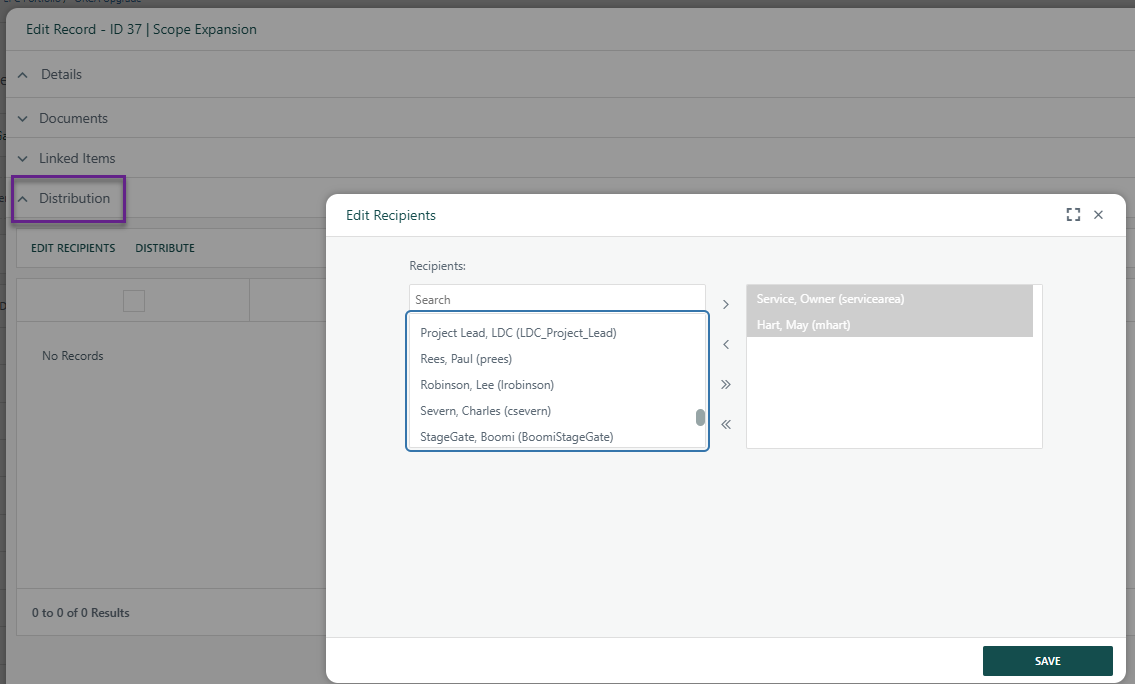
Enable Distribution
Adds a dedicated Distribution section to the add/edit record modal for this register. Distribution allows any documents attached to a register entry to be sent via to a group of users for formal review and sign-off. Recipients must be Cora Users.
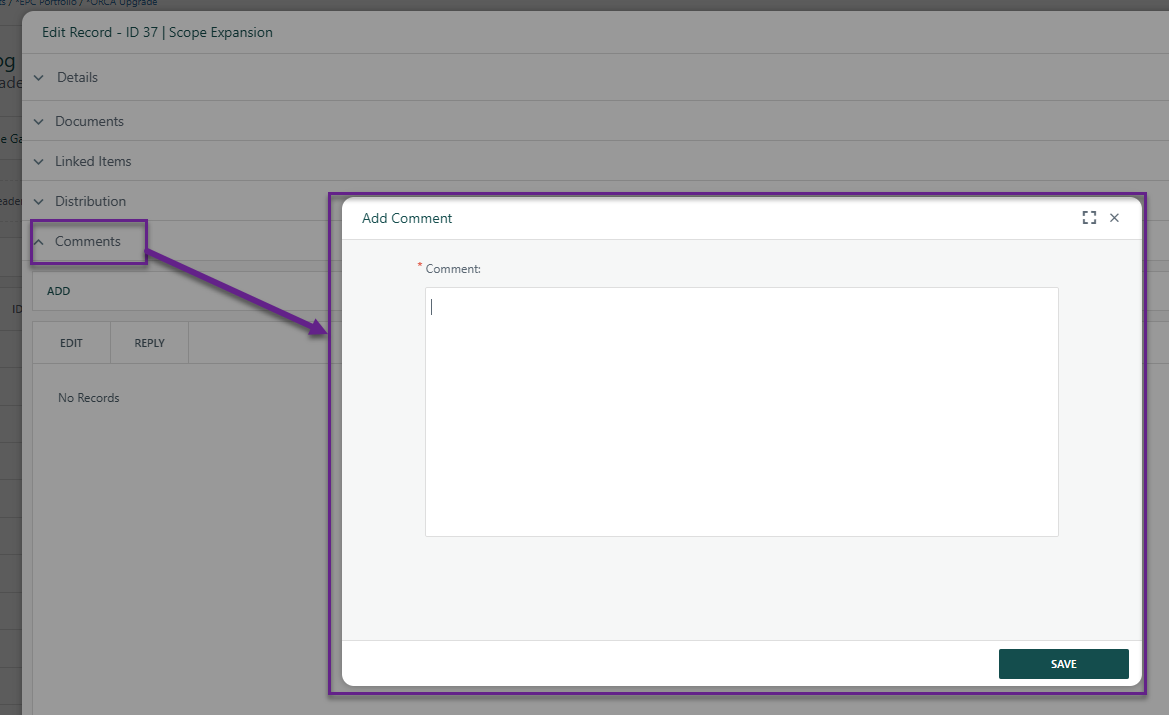
Enable Comments
Adds a Comments section to the add/edit record modal, allowing users to attach ad-hoc notes to individual register entries. This is useful for capturing discussions or contextual information against a record without it being a formal data field.
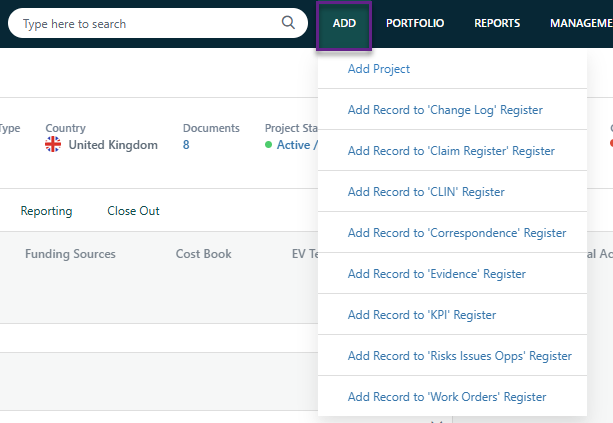
Enable Quick Add from the ADD Menu
Makes the register appear as an option in the global "ADD" menu at the top of the application. This lets users create new records in the register directly from any page in the system, without first having to navigate to a specific project.
Enable In-line Editing in Grids
Allows authorized users to edit register records directly within the grid view, including bulk editing of multiple records without opening each item individually. This applies both to the main register page and to any grid-based widgets displaying the register's data.

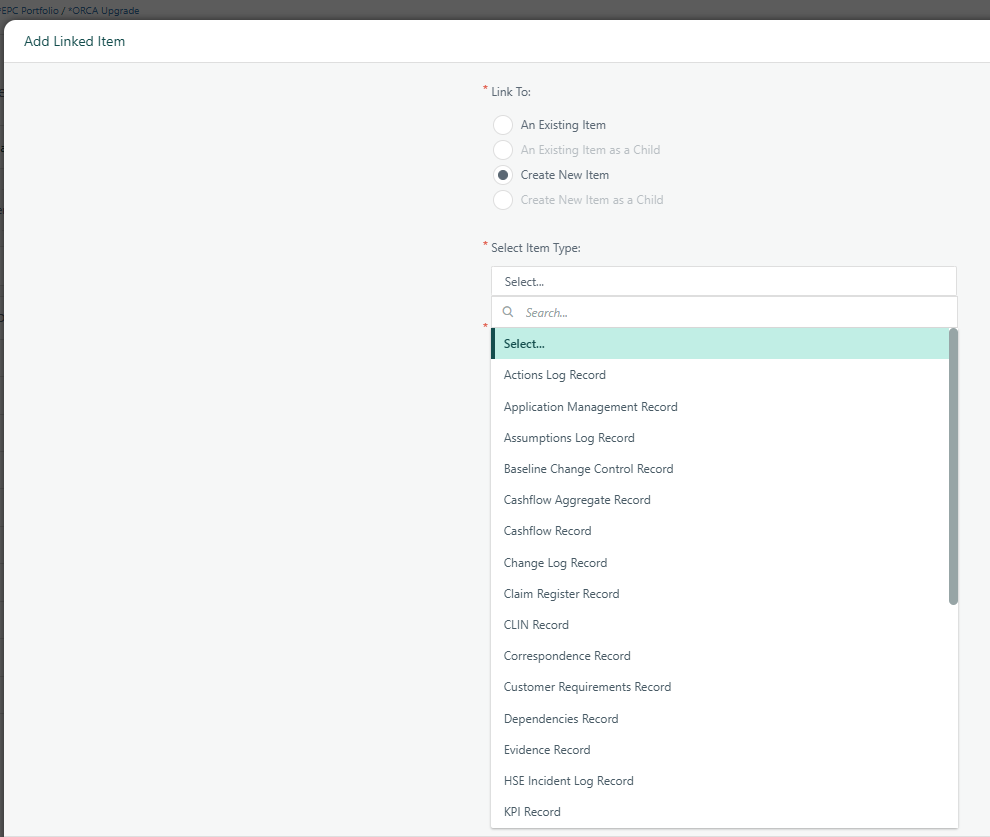
Enable Linked Items
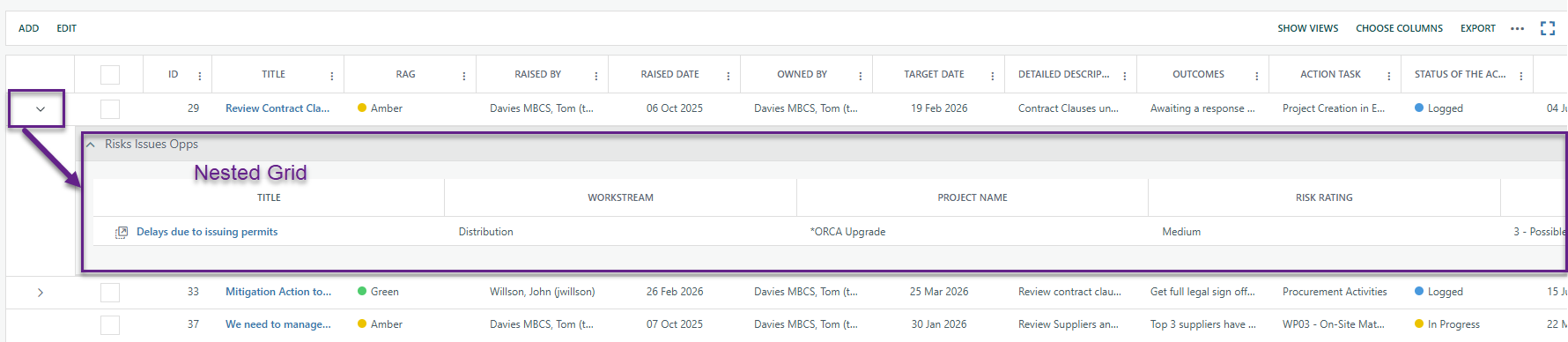
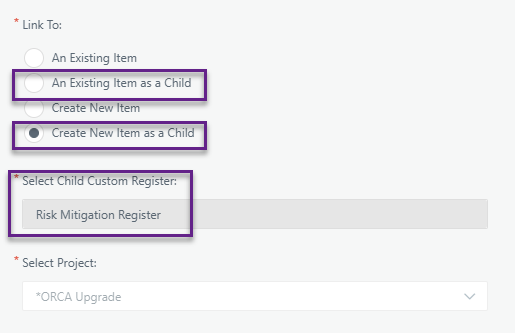
Allows other items (other registers or tasks/schedule items) to be linked to entries in this register. If a parent/child register relationship is configured, this option must be enabled on the parent register for child items to be added. Enabling this option also activates the "Nested Grids" tab in the register's configuration.
Linked Items on modal
Nested Grid
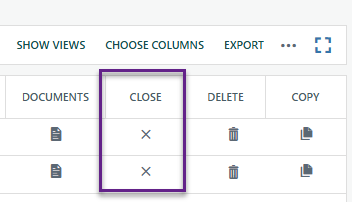
Enable Close Button in Grids
Displays a Close button directly in the register grid, allowing users to quickly change the status of a record to "Closed" without opening the full edit modal. The tooltip in the UI warns that this should not be enabled if the register uses conditional logic on the status field or relies on a workflow to update status.
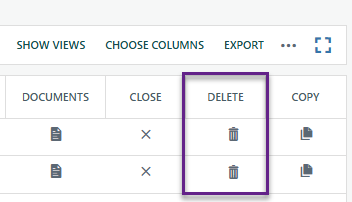
Enable Delete
Enables the delete action in the register grid. If this is turned off, records cannot be deleted from the register regardless of a user's profile permissions. The system also removes bulk-delete capability from the toolbar when this is unchecked.
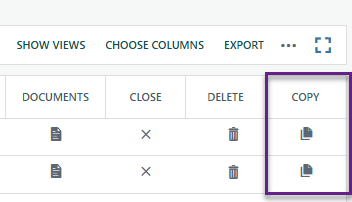
Enable Copy
Enables the copy action in the register grid, allowing users to duplicate an existing record. When unchecked, the copy button is hidden from the grid. The bulk-copy toolbar button is also hidden when this is unchecked.
Enable in Mobile
Allows data in this register to be viewed and edited in the Cora PPM GO mobile application. This is enabled (checked) by default.
Hide System ID
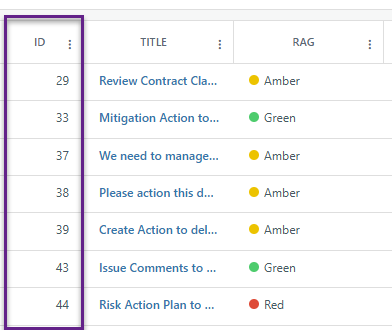
Every register record is automatically assigned a unique system ID displayed in the first column of the grid. Checking this hides that ID column. This is typically enabled when a field of type "Project Record ID" is added to the register to provide a more meaningful custom identifier instead.
Include in Copy Project
Controls whether register records can be included when a project is copied (options: No / Yes / Yes, select by default).
Alternate Hierarchy relation to Linked Items
Visible only for Alternative Hierarchy registers; sets whether this register acts as a Parent or Child in linked item relationships.
Document Template
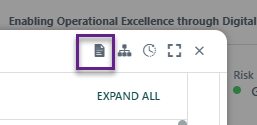
Allows a .docx Word document to be uploaded as a printable template for register records, with fields mapped to bookmarks within the document.
Was this article helpful?
That’s Great!
Thank you for your feedback
Sorry! We couldn't be helpful
Thank you for your feedback
Feedback sent
We appreciate your effort and will try to fix the article