Register: Review Changes (Audit Trail)
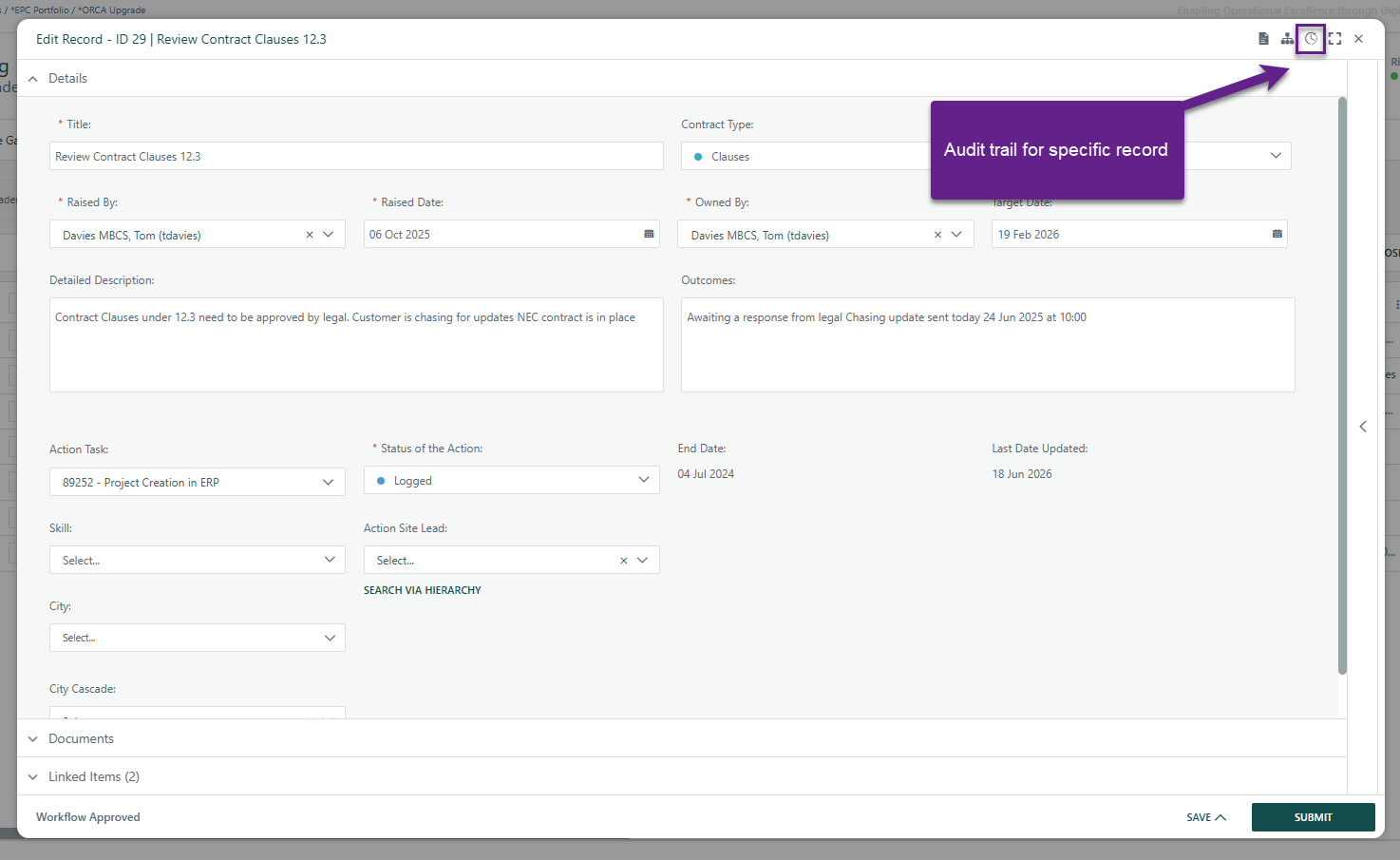
The Register Record History Icon (per-record)
When you open an individual register record (the modal/popup form), there is a history icon in the header area of that dialog. Clicking it opens a per-record audit view showing what changed on that specific record over time.
The Audit Trail Report (system-wide)
This is a dedicated report page that shows the full history of changes across an entire project. You can filter it by date range, entry type (including Project Registers), and even by specific custom register types. It shows who made a change, when, and what was changed.
Was this article helpful?
That’s Great!
Thank you for your feedback
Sorry! We couldn't be helpful
Thank you for your feedback
Feedback sent
We appreciate your effort and will try to fix the article